MIDI->RS232C Video Mixer Interface
This project is a hardware and software solution for converting MIDI messages from a controller into RS-232C serial commands to control a Panasonic WJ-MX30 (or similar) video mixer.
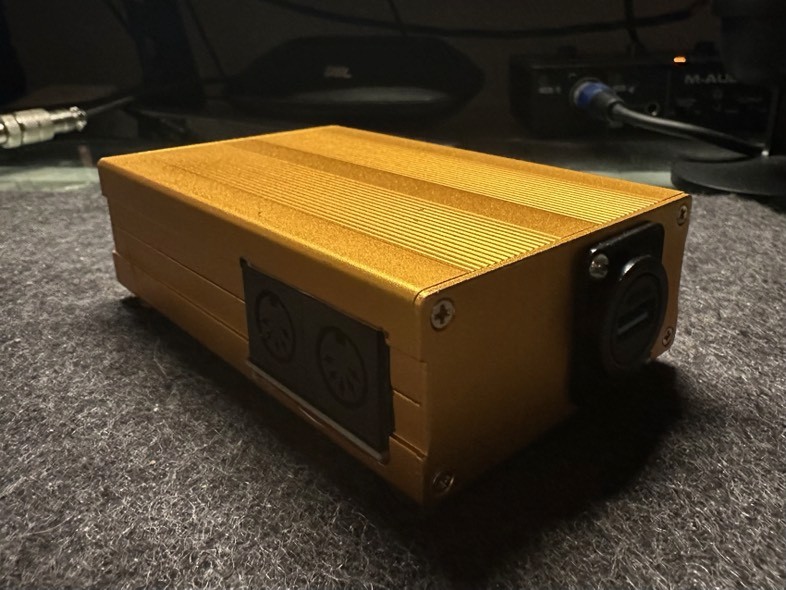
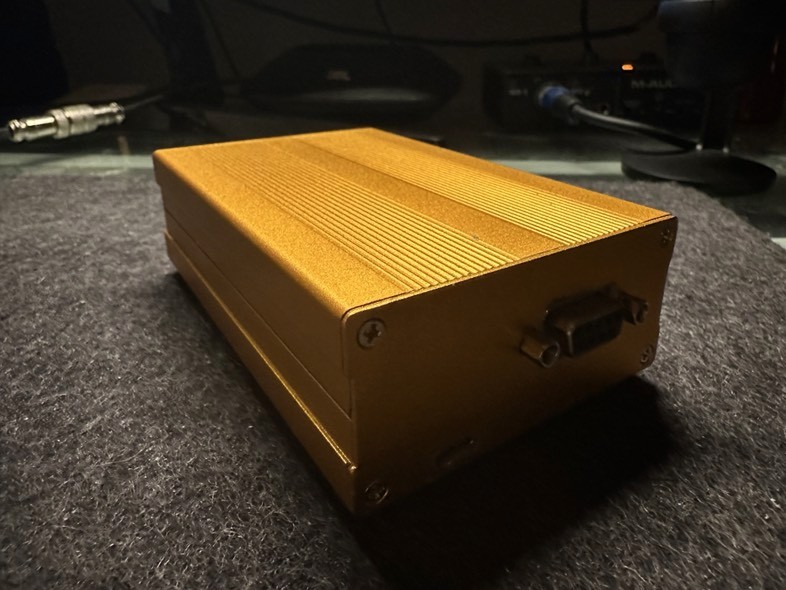
Overview
This project is a hardware and software solution for converting MIDI messages from a controller into RS-232C serial commands to control a Panasonic WJ-MX30 (or similar) video mixer. It enables synchronized control of both audio (via MIDI -> laptop) and video (via MIDI -> RS-232C -> mixer), making it ideal for live performance.
The project is inspired by and based on the _transcribe_ project by cyberboy666, with code improvements and simplified hardware design to fit my personal setup.
Table of Contents
Hardware
Components
Main Components
- Teensy 4.1
Used for its USB Host capability, multiple UARTs, and robust MIDI support. - USB Host Cable
Connects the MIDI controller to the Teensy’s USB Host pins. - MAX3232 Board
Converts Teensy’s TTL serial to RS-232C voltage levels for the video mixer.
Extra Components
- USB-C Breakout
Replaced Teensy’s micro-b plug with usb-c. - Project Enclosure
All components mounted for plug-and-play.
Wiring Overview
- MIDI controller → USB Host cable → Teensy 4.1 USB Host pins
- Teensy Serial1 TX/RX → MAX3232 → RS232C DB9 OUT -> video mixer
- Teensy USB-C (or micro-B) → Laptop (for power and USB MIDI to DAW/audio software)
Software
Features
- USB Host MIDI Input/Output
Receives/Sends MIDI from/to the USB port. - 5-Pin DIN MIDI Input/Output
Receives/Sends MIDI from/to the 5-Pin DIN MIDI IN/OUT. - RS-232C Serial Output
Sends mapped commands to the video mixer. - Improved Mapping System
Easily swap, edit, and extend MIDI-to-RS232C mappings.
Getting Started
- Hardware
Instructions to wire up the hardware can be found in /hardware (TODO) - Software
Instructions to build and upload the software can be found in /software (TODO) - Edit MIDI mappings and use your MIDI controller to control both your laptop (audio) and video mixer (video)
Acknowledgments & Credits
This project is based on and inspired by the _transcribe_ project by cyberboy666.
Original Author:
cyberboy666 on GitHub
The _transcribe_ project provided the foundation for MIDI-to-serial video mixer control and many of the command mapping ideas.
Future Work
Possible improvements include:
- User-Friendly Mapping Editor
Develop a GUI system for defining and swapping mappings. - OLED/LED Status Display
Show current mapping, MIDI activity, and connection status on the enclosure. - Extended Mixer Support
Add mappings and protocols for other video mixers or AV gear (whatever I can get my hands on).